Mike Bell
Inspired by keybell, MechVibes, and livestream sound setups, MikeBell is a desktop app built with Tauri and SvelteKit. It listens to your keyboard presses and mouse clicks and generates procedural sound effects on the fly, so you don't need to download any audio sample packs. More sound profiles will be added over time.
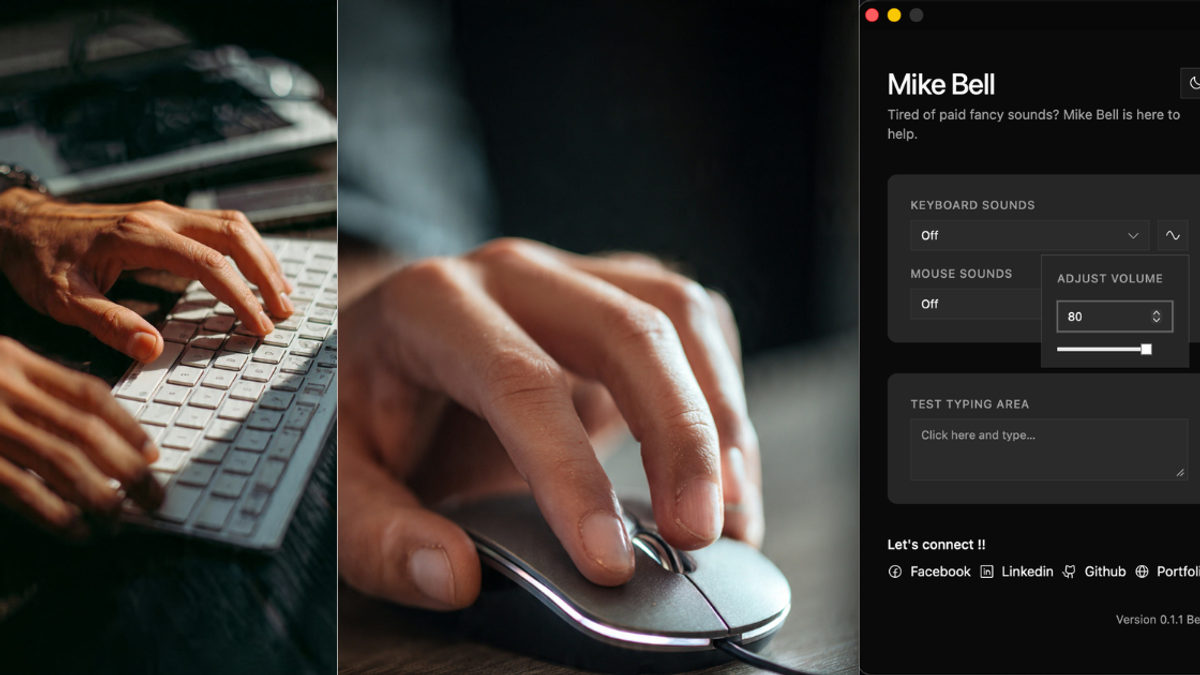
Features
Procedural keyboard sound effects
Procedural mouse click sound effects
Global background tracking via Tauri so sounds play even when another app is focused
System Permissions Sounds are triggered by global keyboard and mouse hooks inside the Tauri shell, allowing inputs to register even when MikeBell is in the background or your cursor is outside the window. Audio playback runs natively via rodio and CPAL so sounds stay active even when the system webview suspends Web Audio in the background. Because the browser layer cannot see system-wide inputs on its own, standard OS privacy permissions still apply:
macOS: On launch, MikeBell requests Accessibility and Input Monitoring access via Apple's system APIs (AXIsProcessTrustedWithOptions and CGRequestListenEventAccess). If the prompt does not appear, enable MikeBell manually under System Settings → Privacy & Security → Accessibility and Input Monitoring. If you run both the dev build (bun tauri dev) and the packaged .app, they will appear as separate entries and both need to be toggled on. After enabling permissions, fully quit and reopen MikeBell so macOS upgrades the event listener from in-app to system-wide.
Linux: Your user account needs permission to read input devices, which usually means adding your user to the input group (depending on your distro).
Windows: Works out of the box on most setups. If global input hooks fail to register, try running the app as administrator as a last resort.